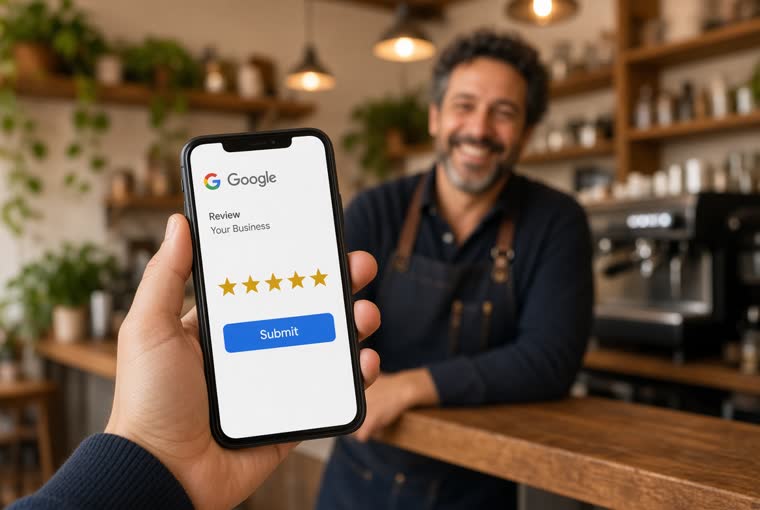
How to ask customers for Google Reviews
When to ask, the exact sentence to use, and what to hand over. Five lines you can memorise.
ReadHome / Guides / Where to put the code
When nobody scans the code, it is almost always the placement. Seven spots and who each suits, three that waste your money, how big to print it and on what, and why the one sentence a staff member says matters more than the code.
Making the code takes five minutes. Getting it scanned is a different job. The failures we see are almost never about the code itself:
This guide fixes the first two. The third is what the product itself is for: the customer scans, ticks a few things that actually happened, the page turns it into a paragraph, and they copy and paste - no blank page to start from.
Judging a spot comes down to two questions: does the customer stop here, and are their hands free? A good spot needs both.
You do not need all seven. Doing one spot properly beats putting a code in all seven - the main spot drives most of the result, the rest just fill gaps.
Which spot suits which trade, we cover in the industry guides: Local SEO for restaurants: a working checklist, How auto repair shops get Google reviews, How nail and hair salons get Google reviews.
There is a common rule of thumb for size: the width of the code is roughly a tenth of the furthest scanning distance. On a table tent scanned from half a metre, 5 cm is plenty; a door sign scanned from two metres needs 20 cm.
You do not have to work it out yourself - the QR code size calculator takes one distance and gives you the minimum width, the size including the quiet zone, and the pixels needed at 300 dpi. Do not skip the quiet zone: a code with no white margin around it defeats a lot of phones.
Material follows the spot:
Plain paper on a restaurant table is dirty, curled and water-damaged within a week. Nobody scans a grubby code.
Make the code itself with the Google review QR code generator - paste a Google Maps share link and it comes out as an image. If you only need the link and not the code (for a text message or an email), use the Google review link generator.
This section matters more than everything above it put together.
A code on its own gets single figures. A code plus one sentence multiplies it. The reason is simple: the customer does not know what it is, or what you would like them to do.
The sentence does not need to be long. Any of these work:
The wording is not the point. Saying it to every customer is. Picking who to ask breaks the rules: inviting only the customers who look happy is review gating, which Google explicitly prohibits, and the cost is set out in Why you cannot ask only your happy customers.
The more practical problem is that staff forget. Relying on memory always fails, so put it on the checklist - the last step of the till routine, the last step of handover. More on that in How to ask customers for Google Reviews, and if you want ready-made wording, the Review request script generator.
Do not watch the rating. In week one, watch whether anyone scans at all:
Never organise a group to scan together to "see results faster". A cluster of reviews in a short window is one of the strongest signals Google's spam systems look for; even when every one is genuine, a cluster can be suppressed as a group. If that happens, work through Google review not showing up? Here is what is going on.
To know roughly how many a month is normal for your trade, run the Review pace estimator first. Having a number stops you panicking when week one produces two.
When to ask, the exact sentence to use, and what to hand over. Five lines you can memorise.
Read
Menu photos, dish names as keywords, delivery platforms, and the rhythm of asking.
Read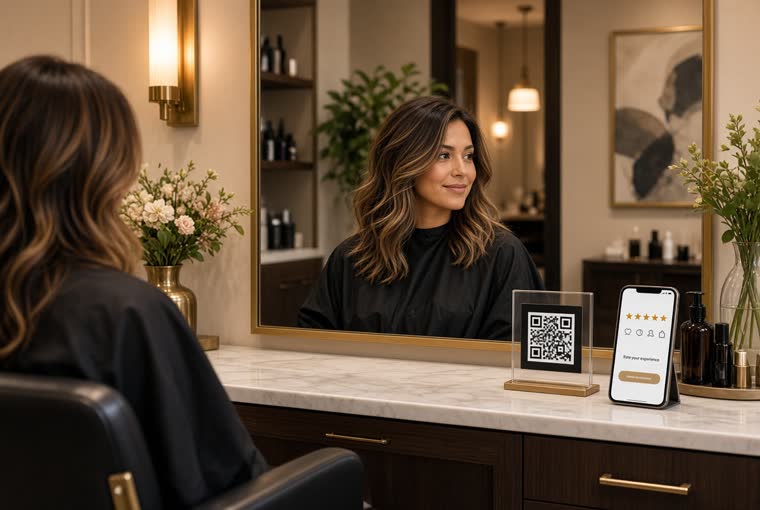
In this trade the moment is built into the service — the second they look in the mirror. Three lines to use as-is, where to put the code, and how to answer “it does not look like the photo”.
ReadCreate an account, add your location, and five minutes later you can print the QR code and put it on the counter.