Local SEO for restaurants: a working checklist
Menu photos, dish names as keywords, delivery platforms, and the rhythm of asking.
ReadHome / Review Guide / Multiple locations
The day you open the second site, the rules change. The easiest mistake is managing reviews as one brand — because Google does not see it that way, and neither does the customer.
Multi-site review management is hard because it runs against instinct. Fix these three facts first; everything else follows from them:
One conclusion follows: reviews have to be earned branch by branch, but the system has to be set centrally. Leave each manager to work it out and you get ten methods and ten different ratings. Have head office do everything and it cannot — the people who actually speak to customers do not work at head office.
Getting this split wrong is the most common reason multi-site programmes fail. One clean line: head office owns the system and the safety net; the branch owns the sentence said at the counter.
Note the “exactly two reasons” in the third item. Head office watching daily turns it into head office’s KPI rather than the manager’s; head office never looking means finding out two months late that a branch has had no reviews in a quarter. Weekly, intervening only on an exception, is the intensity that survives long term.
In Review Helper, one record equals one Google listing. A single account holds as many branches as you like, each independent, all under one dashboard. The rules:
| Counted by | Rule |
|---|---|
| ID, QR code, customer page | One set per location, no interference between them |
| Free allowance | Per location — every Google listing gets its own 3, not 3 for the account |
| Credit balance | Shared across the account — top up once and every branch draws on it |
| Price per review | Set by each location’s own business category; a restaurant and a dental practice on one account cost different amounts |
| Counts | Kept separately per location: uses so far, free allowance left |
So the standard setup is: one head-office account holding every branch, topped up once. Opening a new site means adding one record; it arrives with its own QR code and its own 3 free reviews, with no account to set up again. Full pricing rules on You pay in credits, only for what you use.
In any group of ten, one or two will sit noticeably lower. The reflex is “that branch has bad service”, and most of the time it is not. Work through it in this order:
Diagnose before you act. Never score managers directly on average rating — it induces two behaviours immediately: asking only customers who look happy (that is review gating, which Google bans outright — see Why you cannot ask only your happy customers), and getting friends and family to post. Scoring on review count and reply speed is far safer, and both are genuinely within a manager’s control.
Replying centrally is efficient and keeps the tone consistent, but it has a side effect: ten branches posting identical replies is visibly a template, and a visible template does less for you than no reply at all. The fix is not to let every manager improvise. It is to let the template carry the frame and the branch supply one concrete fact:
Frame: “Thanks for taking the time. (branch-specific fact) is now sorted — we hope to see you again.”
Main Street fills in: “Weekend queueing now runs on text alerts.”
Downtown fills in: “We have spoken with the colleague concerned.”
Nobody can supply that middle sentence for the branch, and it is the only part the customer actually reads. Replies you can copy are in How to respond to Google reviews: ten templates you can copy; what to do in the first minutes after a bad review lands is in You got a one-star note. Now what?
The real advantage of running several sites is not that head office can standardise. It is that whatever works at one branch can be copied to the other nine immediately. So get the asking right at your busiest site first — the wording, where the stand goes, when to ask, all in How to ask customers for Google Reviews — and roll it out once it runs. Reviews are one part of local ranking; the rest is in How to climb in Google Maps, step by step.
Menu photos, dish names as keywords, delivery platforms, and the rhythm of asking.
Read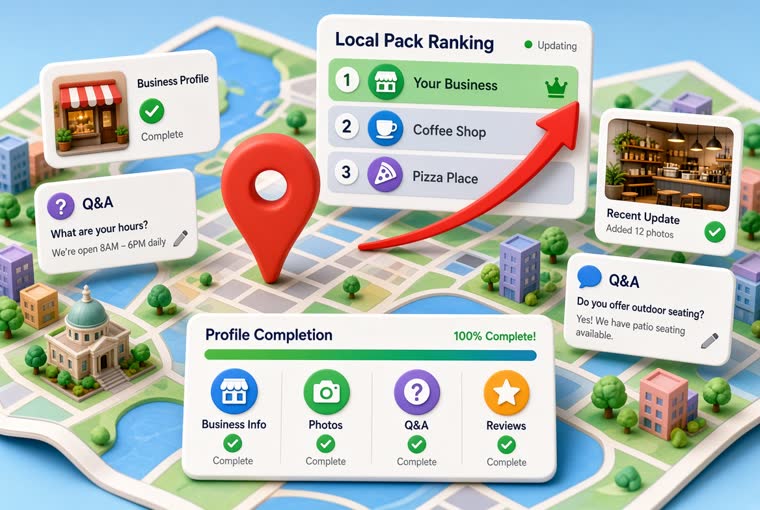
Profile, photos, questions and feedback. Four jobs that cost far less than advertising.
Read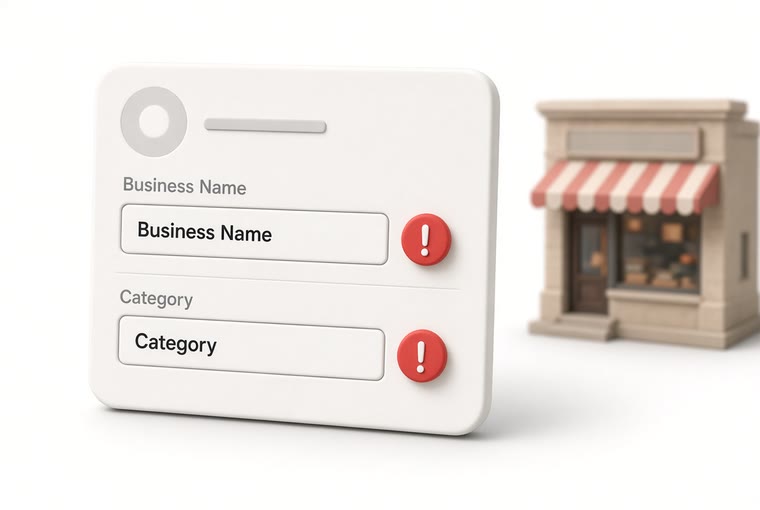
The name field takes what is on your sign, and the category decides which searches you appear in. These two are the commonest suspension triggers and the two that move ranking most. The three classic ways people stuff the name, how many extra categories to add, and why you must never change both at once.
ReadCreate an account, add your location, and five minutes later the QR code is printed and sitting on the counter.