
Can you offer a discount for a Google review?
Google prohibits offering anything of value for a review, including handing the invitation only to happy customers. What is banned, who pays, and one sentence that settles it.
ReadHome / Review Guide / The line on filtering
“Ask the happy ones, skip the unhappy ones” sounds like plain common sense. But it has a name — review gating — Google bans it outright, and what gets penalised is not the review. It is the whole listing.
Deciding whether to ask for a review based on how happy the customer seems is called review gating. Google’s prohibited and restricted content policy says it plainly: you may not solicit reviews only from customers likely to leave a positive one, and you may not put any filtering step in front of who gets sent to Google.
The usual first reaction is “how is that a violation? I am not faking anything.” And you are not — every review is a real person describing a real visit. The problem is not the reviews, it is the sample. If you systematically let only some people speak, the average on your listing stops representing your customers and starts representing your filter. That is the thing Google prohibits.
The obvious version is a toggle in a piece of software, but far more often it hides inside everyday behaviour. All of these are gating:
Look at the last three: no software, no toggle, purely human behaviour. Gating is a practice, not a feature — you can do it perfectly well with no tool at all.
Google does not need to see what happens in your shop. The data says it on its own.
What follows is graduated: at the mild end, affected reviews are removed in bulk (genuine ones alongside them); harder, the listing gets flagged and new reviews restricted; hardest, the profile is suspended. The cost is never one review. It is the whole page. What to do if it is suspended is in Google Business Profile suspended? What to do; how to work out why reviews vanished in bulk is in Your Google reviews disappeared — what happened.
Set compliance aside for a moment and do it as pure business arithmetic. Say fifty customers a day, forty-five happy and five unhappy, and three in ten of those you ask actually post.
Look at the second line: the 5.0 that filtering buys you converts worse than a 4.7. Consumer research keeps landing on the same finding — a perfect score makes people suspicious, and somewhere between 4.5 and 4.8 is where people actually believe you. Which means gating risks a suspension in exchange for a rating that performs worse. It does not pay, quite apart from whether it is allowed.
What Google bans is filtering by satisfaction, not asking. All of the following are entirely compliant, and they work better anyway:
This is how Review Helper is built, too: the top of the page holds the positive options, and a collapsed section under a neutral heading holds ten negative ones, each mutually exclusive with its positive twin. Every customer gets the same page and the same options, and what comes out is a draft they can rewrite — posting it is their call. That is not product timidity. It is the line you cannot cross.
Swap “pick the person” for “pick the moment” and the sentence actually gets easier, because you no longer have to read anyone’s mood first:
“That is everything sorted. If you have thirty seconds, would you scan this and say how it went — good or bad, we read all of it.”
The words “good or bad” are doing the work. They settle the compliance question in one breath, and they lower the social cost for the customer: being asked to say something nice is awkward, being asked to say something honest is not. When to ask, how to handle a no, and how to get staff comfortable saying it are in How to ask customers for Google Reviews.
One line to remember the boundary by: you may choose when to ask; you may not choose whom to ask. Hold that, and the rest is turning the ask into a habit — the pacing for a brand new listing is in From 0 to 50 Google reviews in 90 days, where the discount-for-a-review line sits is in Can you offer a discount for a Google review?, and what to do when a bad one does arrive is in You got a one-star note. Now what?
Google prohibits offering anything of value for a review, including handing the invitation only to happy customers. What is banned, who pays, and one sentence that settles it.
Read
When to ask, the exact sentence to use, and what to hand over. Five lines you can memorise.
Read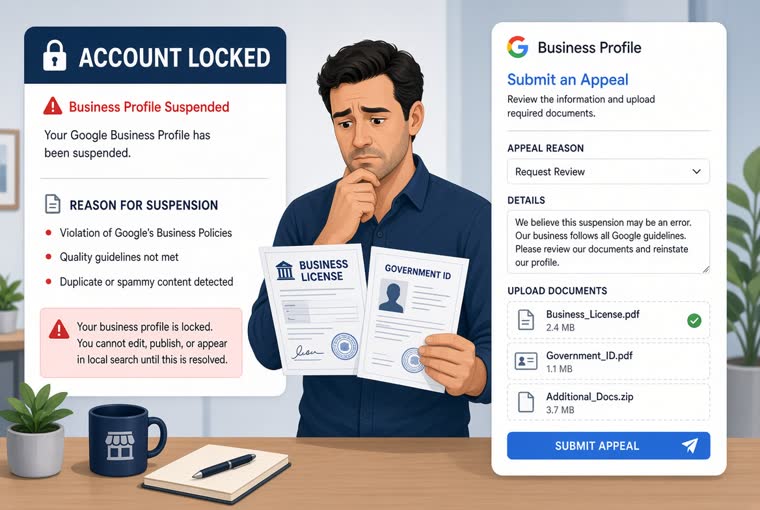
Soft and hard suspensions need different handling. Seven triggers, the full appeal, what evidence to prepare, and three things never to do while waiting.
ReadCreate an account, add your location, and five minutes later the QR code is printed and sitting on the counter.