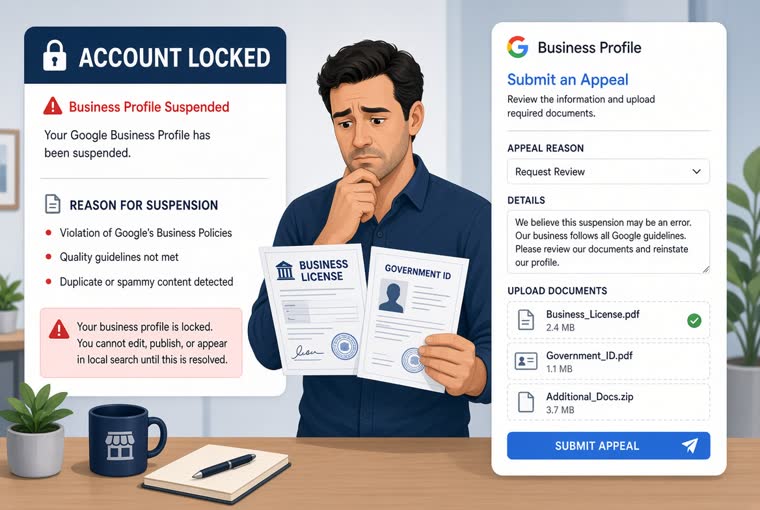
Google Business Profile suspended? What to do
Soft and hard suspensions need different handling. Seven triggers, the full appeal, what evidence to prepare, and three things never to do while waiting.
ReadHome / Guides / Name and category
The name field takes what is on your sign, and the category decides which searches you appear in. These two are the commonest suspension triggers and the two that move ranking most. The three classic ways people stuff the name, how many extra categories to add, and why you must never change both at once.
A Business Profile has a dozen or so fields, but only these two are both the biggest levers on ranking and the fastest route to a suspension.
Weak photos cost you click-throughs. Wrong opening hours cost someone a wasted trip. Both hurt, but the profile is still there. Name and category are different: get those wrong and the whole profile can drop out of results.
They are also the two people get wrong without meaning to, because stuffing a few keywords in looks like optimisation rather than a violation.
The rule is one sentence: put the real name that is printed on your shopfront sign, and nothing else.
Not "close enough" - word for word. That is exactly what Google checks when it verifies a profile: if the words in your shopfront photo do not match the name on the profile, the review does not go through.
A few boundaries people ask about:
When in doubt, go outside, photograph your own sign, and match the name to it. You can also paste what you have now into the Business name compliance check, which flags separators, promotional words, phone numbers and URLs.
All three get reported often, and the person reporting you is usually a competitor - they know the rule better than anyone and have more reason to use it. Once reported the name is forced back, repeat cases affect the whole profile, and the serious ones end up at Google Business Profile suspended? What to do.
Worth stating plainly: stuffing does not rank you higher either. Google stopped ranking local results on literal name matching a long time ago. Keywords in the name buy you risk and nothing else. The field that does move ranking is the next one.
If you could only optimise one field, make it the primary category.
Category does not decide where you rank. It decides whether you are in the pool at all. Set to "Restaurant" when someone searches "hot pot", you may not be a candidate - and no amount of ranking work helps, because you are not in the race.
Three rules for choosing:
There is a free way to check yourself: search Google for the term you want to be found on, look at the top three map results, open their profiles, and read the small line under the business name - that is their primary category. Compare it with yours and the answer is usually obvious. The Business category picker turns that into a few steps and suggests words to try in the dropdown.
You can add several additional categories, so plenty of people add as many as will fit - one more category, one more way in.
The problem with that is not on Google's side, it is on the customer's: add a category you do not serve and what arrives is people who ask one question and leave. A nails-only salon that adds "hair salon" gets people asking "can you do highlights?", hears no, and leaves. They never become customers, they cost you time, and some of them leave a bad review for the wasted trip.
The rule is simple: only add what you genuinely do and genuinely want. Two to five is usually plenty.
One hard pairing to watch: category and address have to agree. A mobile-only business (removals, plumbing, cleaning) should be set up as a service-area business with the exact address hidden. A public address customers cannot actually visit is both a violation and a source of "drove there and there was nothing" reviews.
Changing the primary category is not free: your ranking wobbles for a while afterwards while Google re-establishes where you sit in the new category.
So the right approach is to think it through and change once, not "try this and switch again if it does not work". Switching repeatedly means starting the clock over every time, which leaves you exactly where you began.
When a change is genuinely due:
When it is not: rankings dipped this month, so you fancy trying a different category. Rankings move for many reasons, and treating the category as a dial makes a situation that would have recovered on its own considerably worse. See How to climb in Google Maps, step by step.
The single most important line in this guide: never change the name, the address and the category within a short period.
Those three are the core of how Google confirms this is still the same business. Changing them together looks, to the system, exactly like a profile that was taken over and repurposed into a different business - and that is one of the most common suspension triggers there is.
Change one field at a time, with a gap in between. Rushing everything through in one sitting saves you a few days and can cost you weeks of appeals.
If you are already suspended, work out whether it is a soft or hard suspension before doing anything else - get that wrong and the rest is wasted effort. The Suspension appeal helper asks a few questions to sort that out, then gives you what to fix first, the evidence to gather and appeal text to copy.
One last thing: once these two fields are right, do not forget the rest of the profile - the fields that will not get you suspended but do decide whether anyone contacts you. Run the Business Profile completeness checklist, fourteen items, a day or two of work.
Soft and hard suspensions need different handling. Seven triggers, the full appeal, what evidence to prepare, and three things never to do while waiting.
Read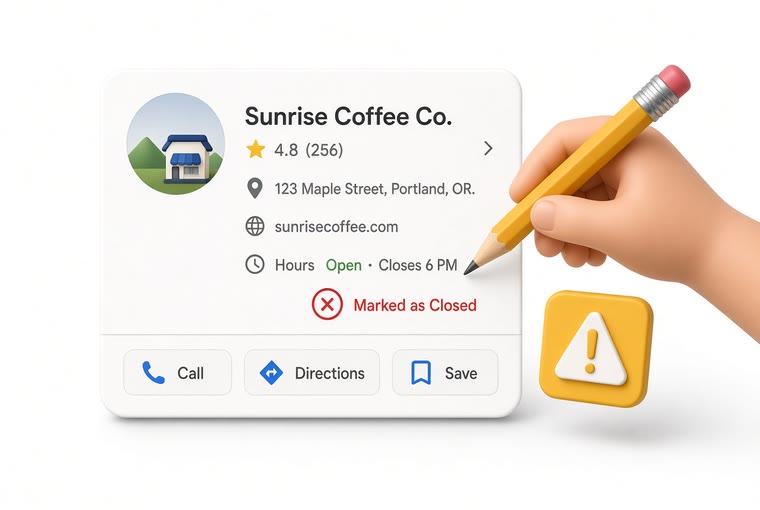
You never touched it, yet the hours changed and so did the category. Five parties can edit your listing: you, customers through suggested edits, Google's own automatic updates, third-party data sources, and whoever claimed the profile before you. How to tell which one it was, how to change it back, and how to be told next time.
Read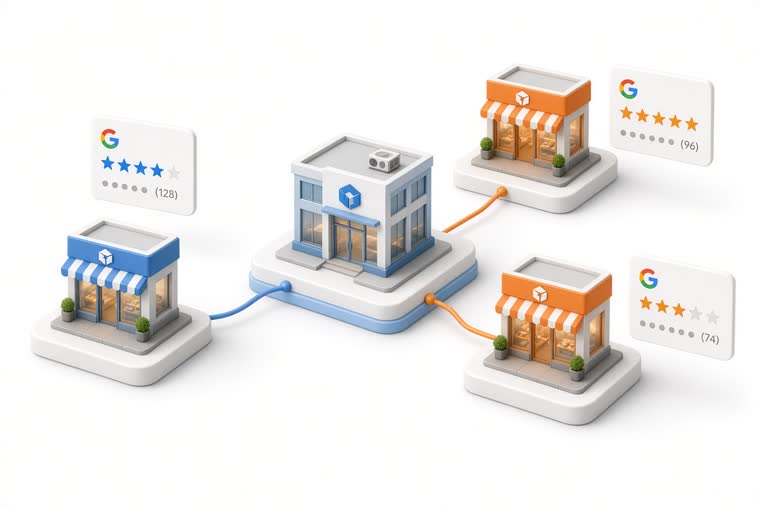
Every branch is a separate Google listing, not one brand page. What head office owns, how to diagnose a branch that scores much lower, and five traps specific to multi-site.
ReadCreate an account, add your location, and five minutes later you can print the QR code and put it on the counter.